A Better Podcast.Your Way.
Add what your show needs to get better. Plan it, brand it, bring in a host, get it posted, and get more out of every episode you record.
Tap any add-on to see real examples
Short Clips.Long Reach.
We find the strongest moments in your episode and cut them into captioned vertical videos for YouTube Shorts, Reels, TikTok and LinkedIn. Tap any short to watch it.
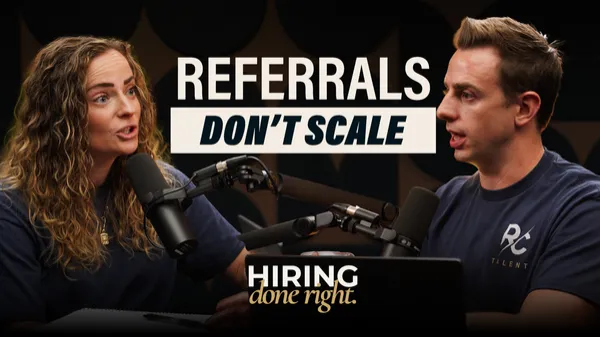
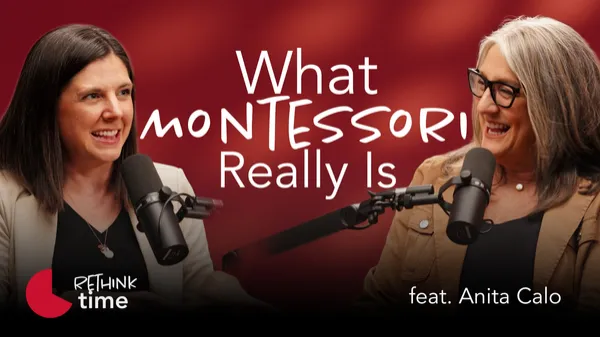
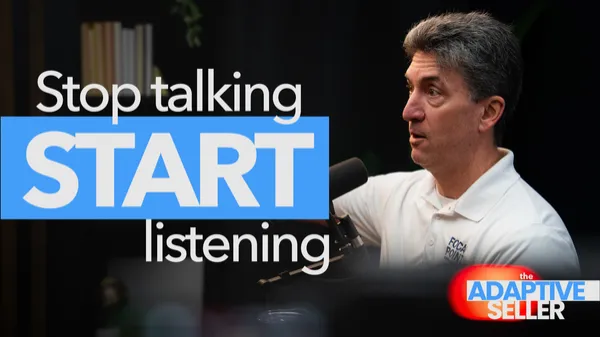
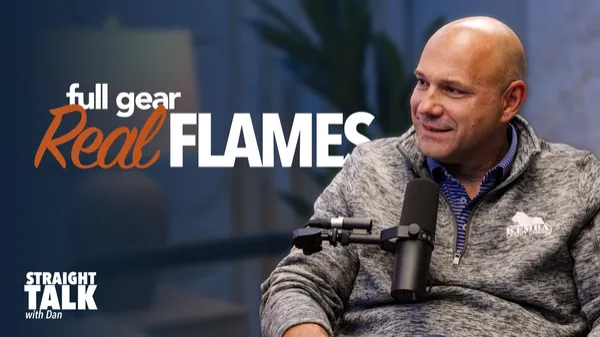
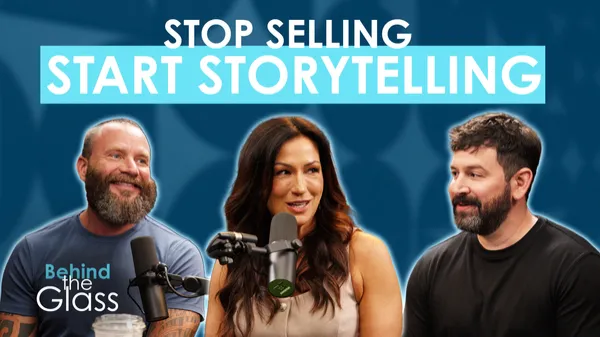
Thumbnails ThatEarn the Click.
On YouTube, your thumbnail is the first thing people see. We design a custom one for every episode, built around your show’s look and the episode’s biggest idea.
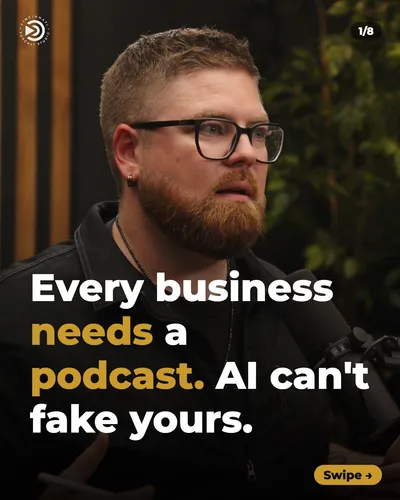
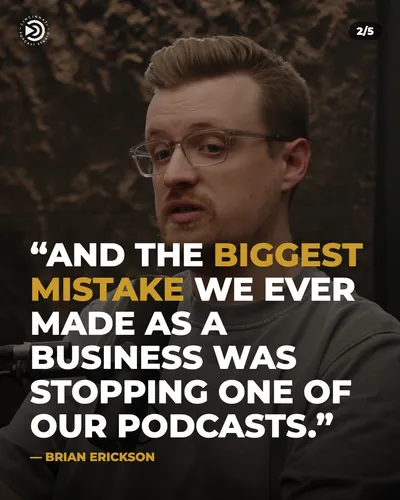
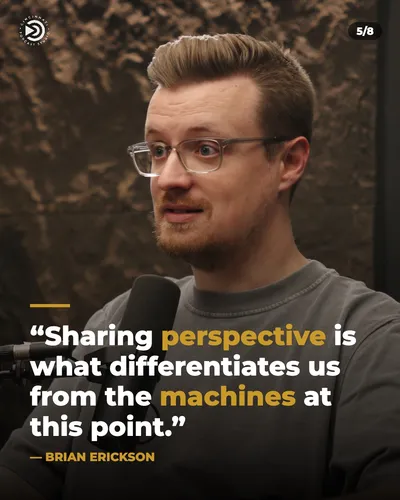
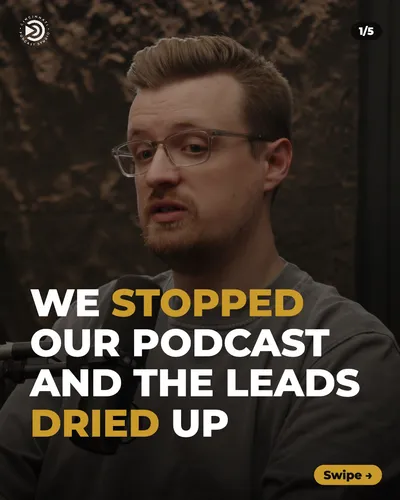
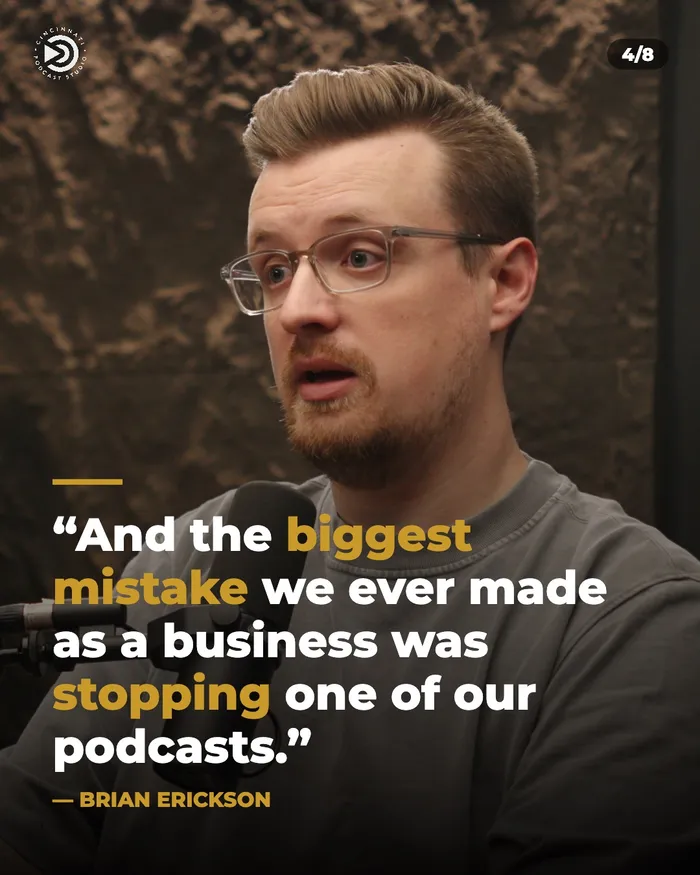
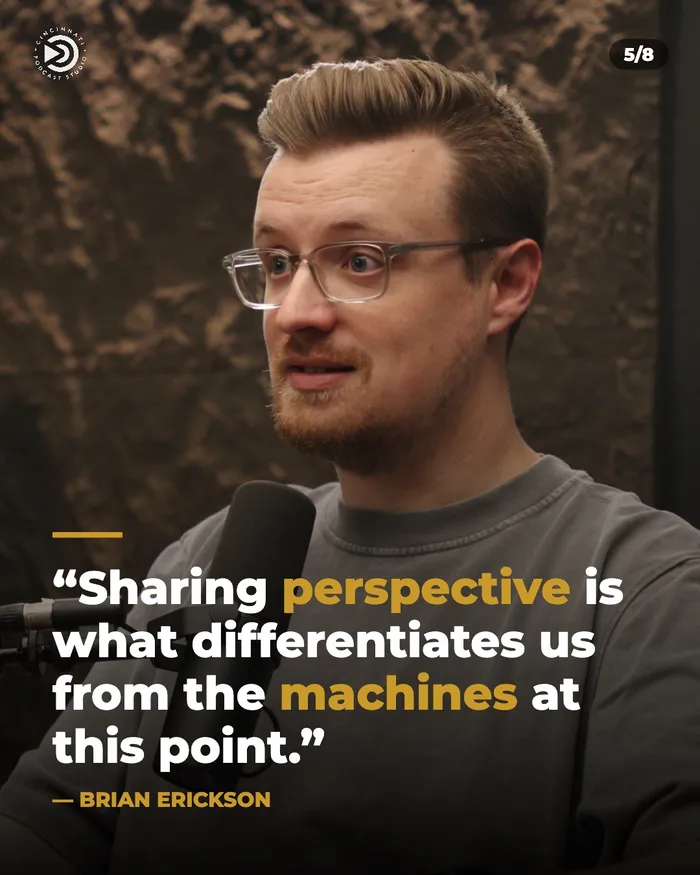
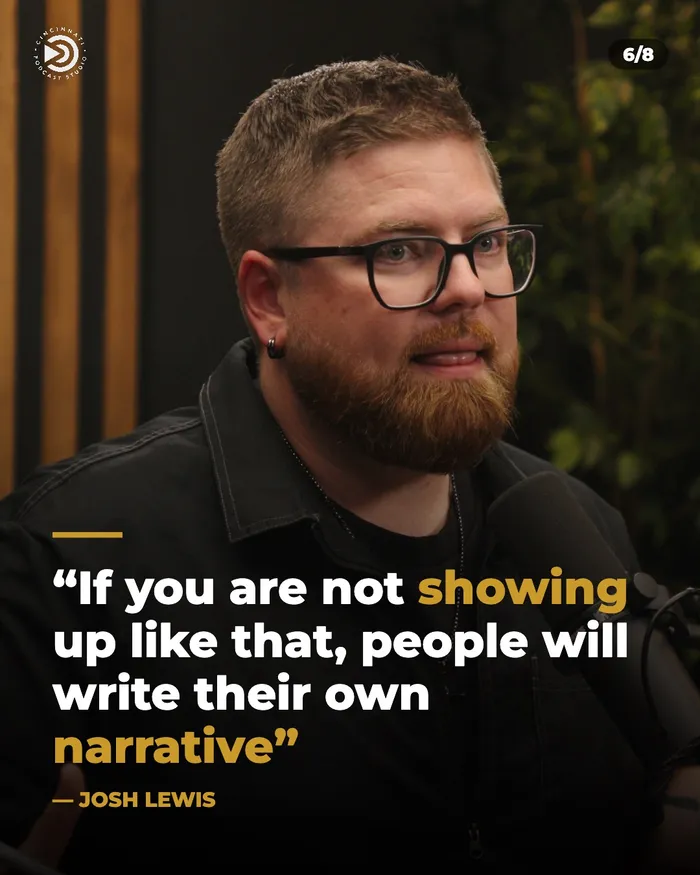
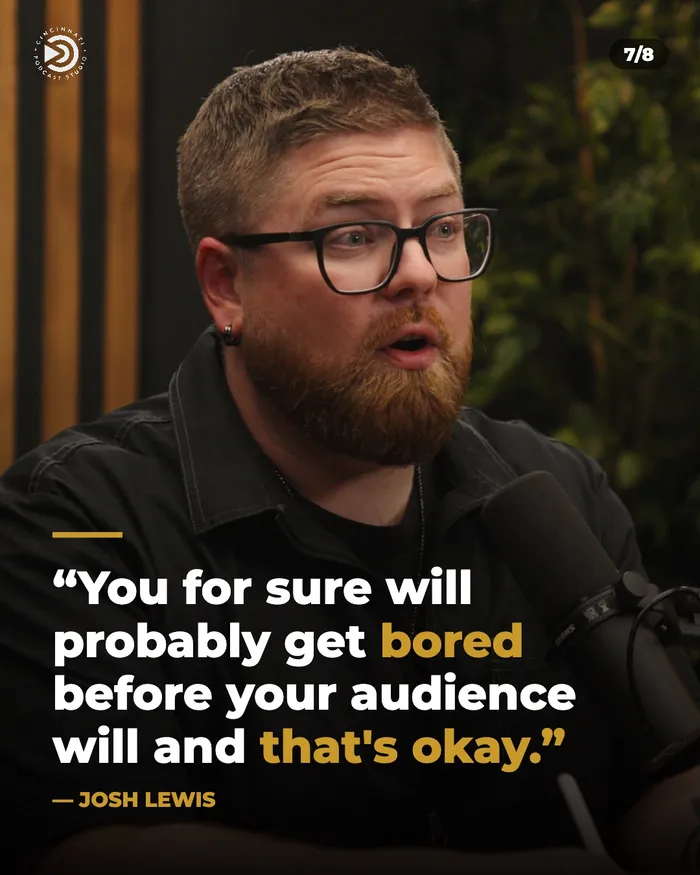
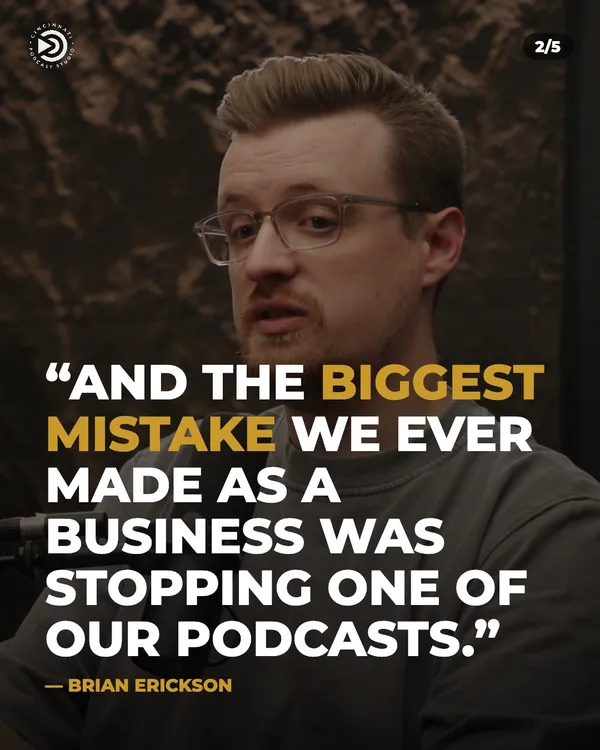
Carousels Builtfor the Swipe.
We turn the best lines from your episode into swipeable carousel posts. Each one delivers a quick takeaway and sends people back to the full episode.
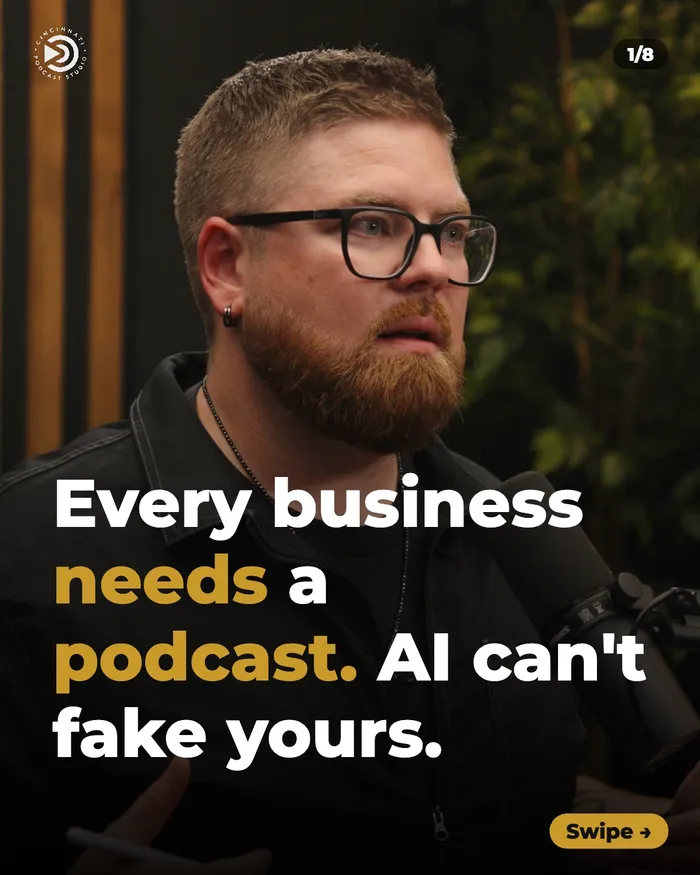
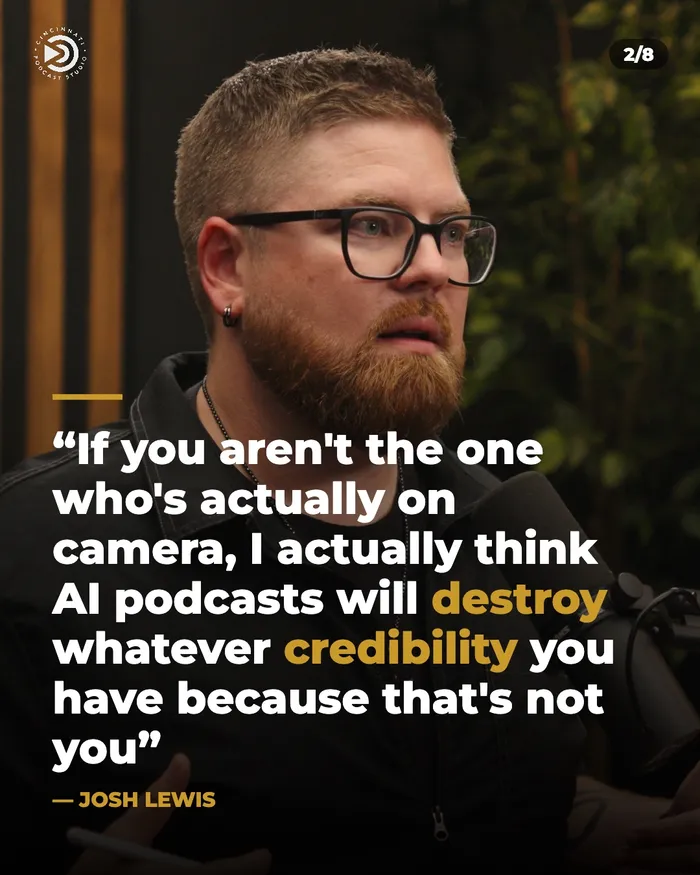
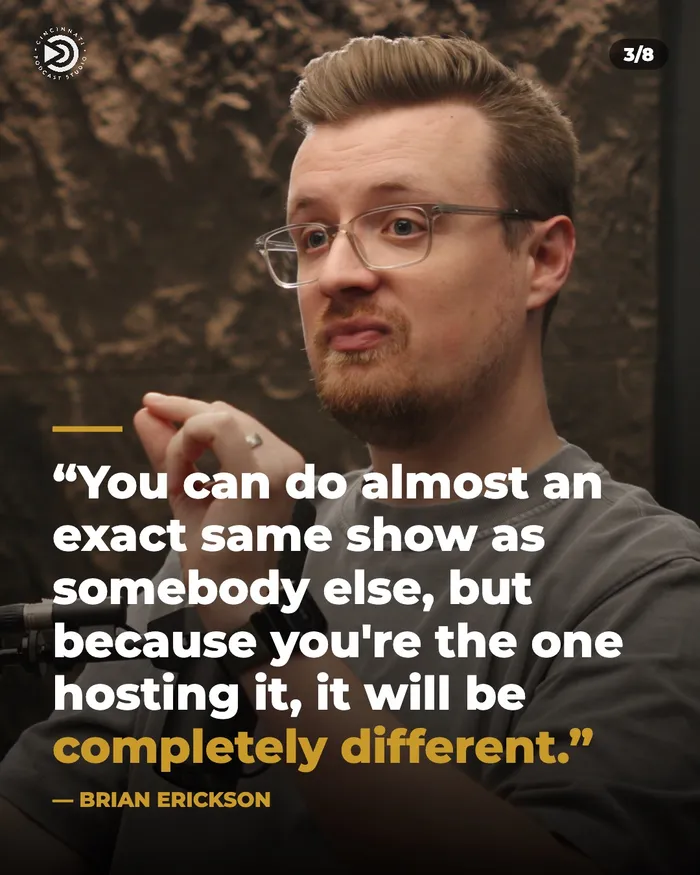
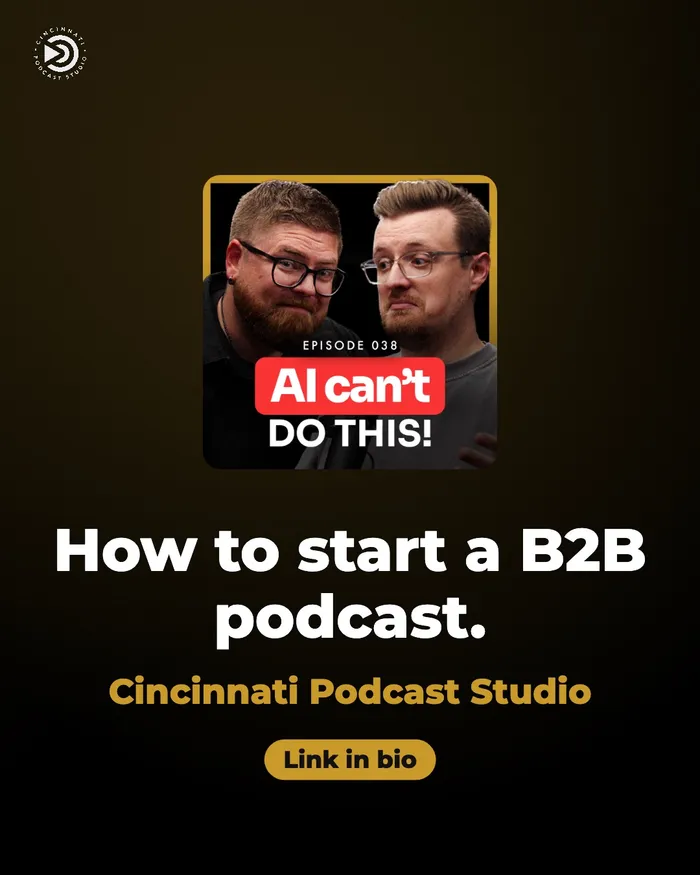
Full episode · 8 slides
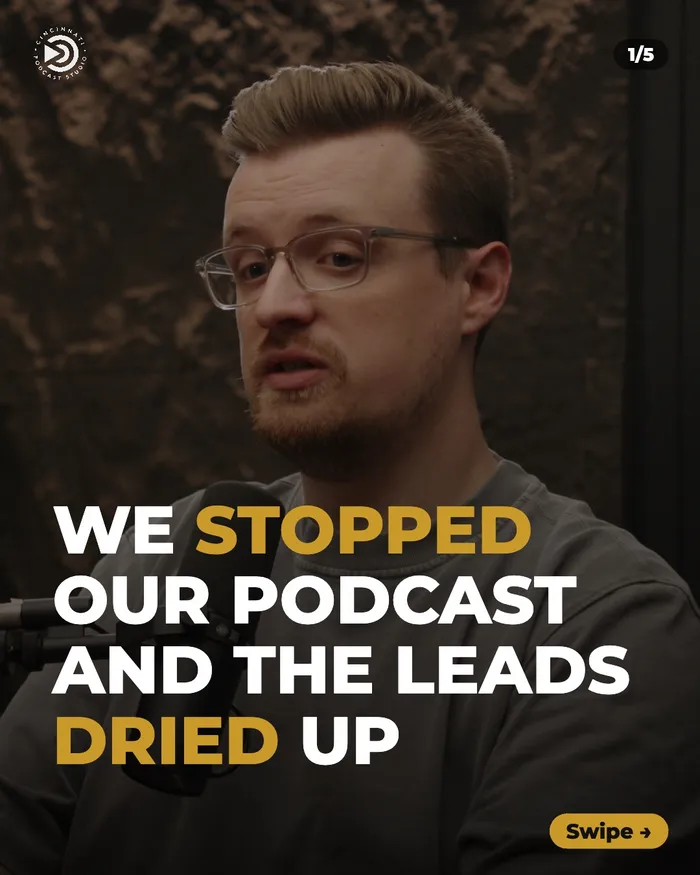
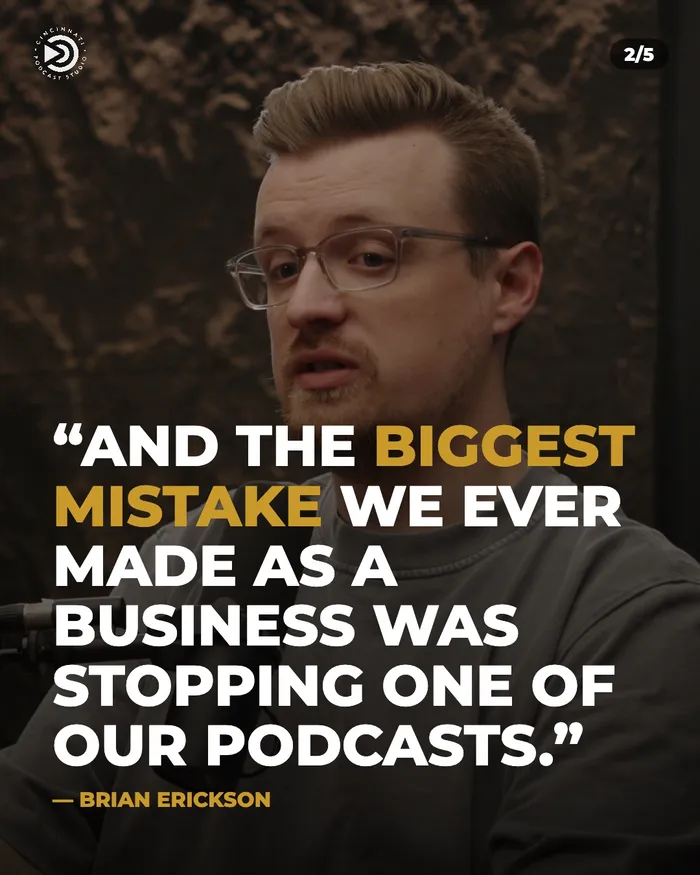
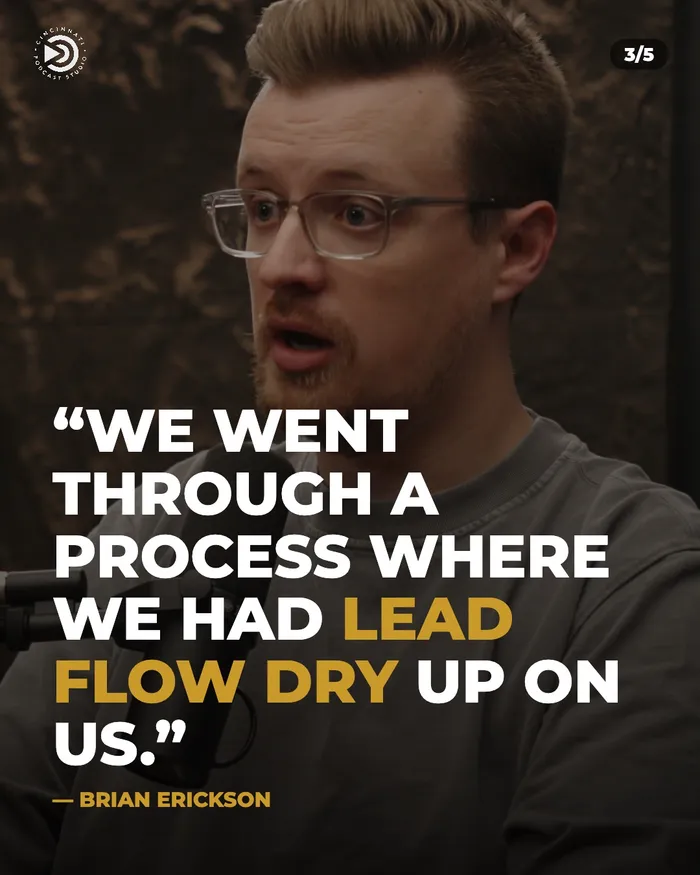
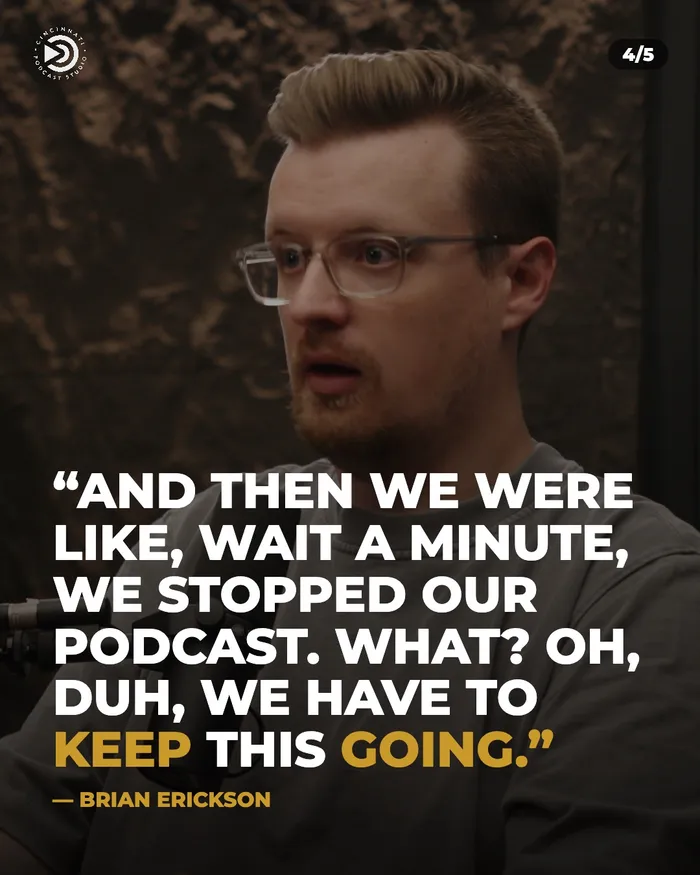
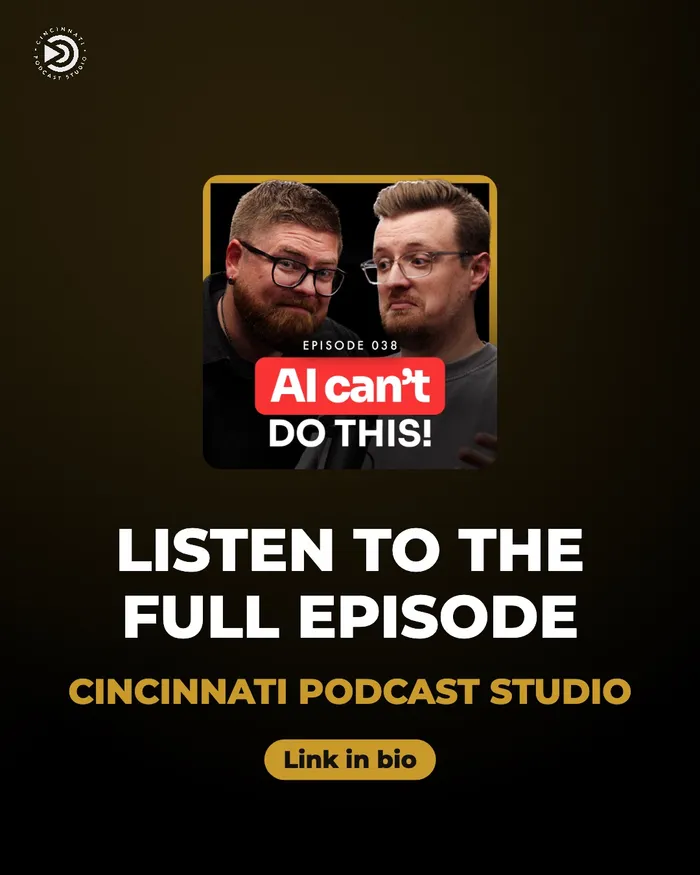
One moment · 5 slides
The Best Part,Ready to Watch.
We trim your full episode into focused 5-to-10-minute videos. They give your YouTube channel more to publish, and give new viewers an easy way into your show.
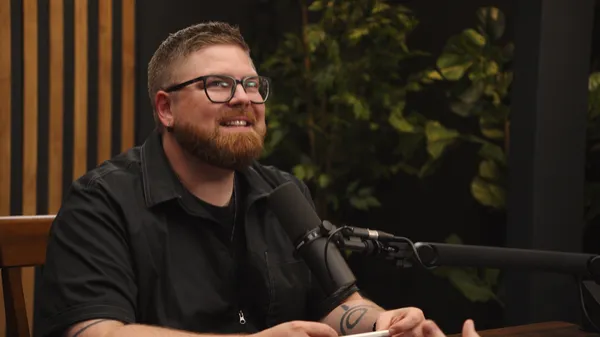
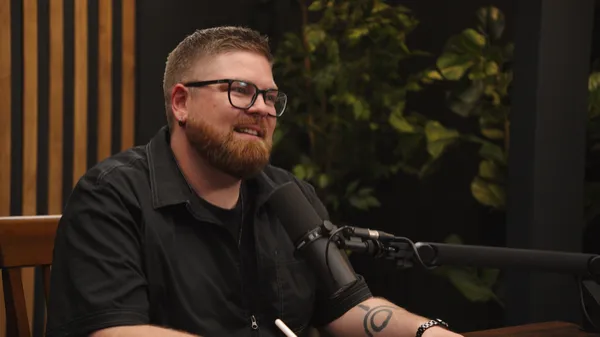
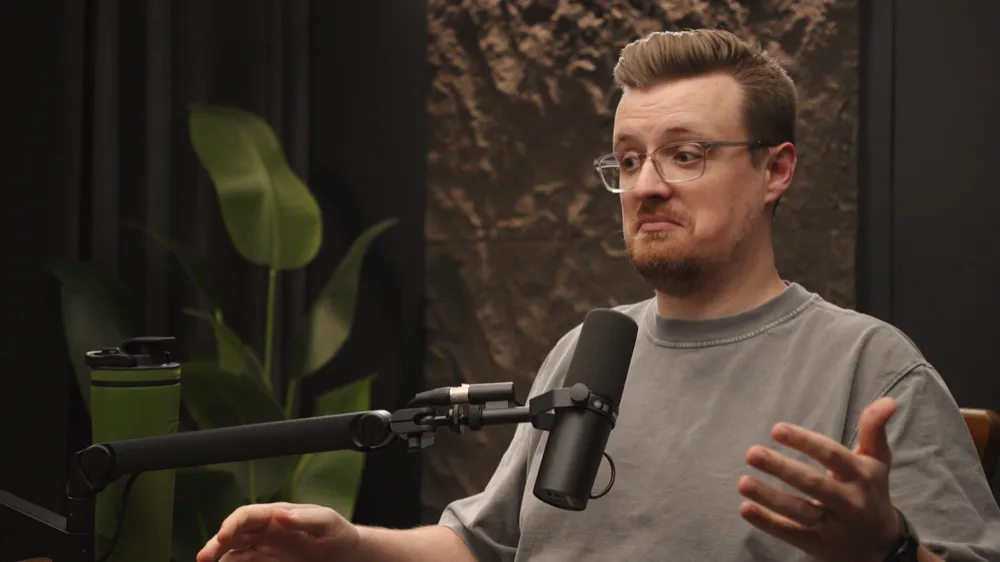
Stills ThatKeep Working.
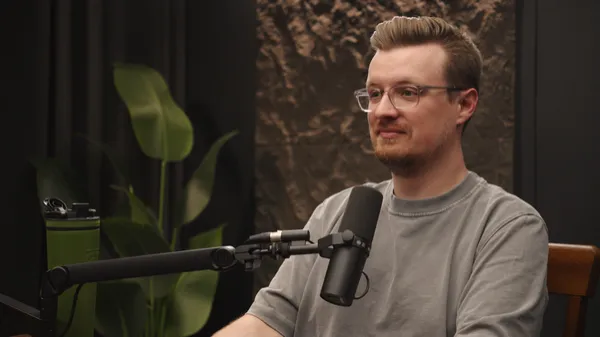
We pull high-resolution stills straight from your episode’s 4K footage: real expressions from real moments. Use them as photos, or let us turn them into quote graphics and other marketing content.
Know What to SayBefore You Hit Record.
A working session where we figure out what your show should talk about, and how to say it, for the specific people you want to reach. You leave knowing exactly what to say when the mics turn on.
- Who you’re talking to. The specific audience you want to reach and what they care about.
- What to talk about. Episode topics built around the questions your buyers already ask.
- How to say it. The angle, stories and examples that make your expertise land with that audience.
- Worksheet + AI prompt. Our Business Podcast Starter Worksheet and the AI walkthrough that keeps planning going.

Give Your Showa Brand of Its Own.
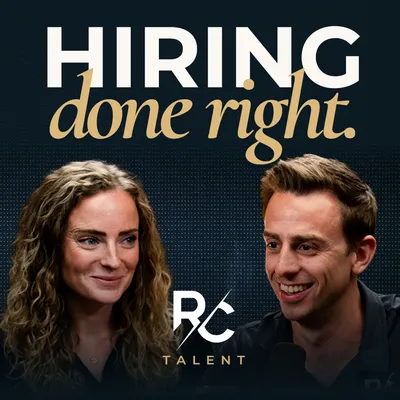
This is where we set the brand for your show. We create your intro and outro, design your cover art and thumbnail style, and build custom graphics so every episode looks like it belongs to the same show.
Example: Hiring Done Right by RC Talent
Show brand
Name, look and feel, colors and type for your show.
Intro & outro
Branded open and close that play on every episode.
Cover art
Artwork for Spotify, Apple and YouTube.
Custom graphics
Thumbnail templates and on-screen graphics.
Go LiveFrom the Studio.
Stream your conversation live while we record it, so your audience can watch, comment and ask questions as it happens. It’s a great fit for launches, Q&As and big announcements.
- Studio quality, live. The same cameras, lights and audio as your recording.
- Real-time conversation. Take questions from viewers on the spot.
- Still recorded. The session can be edited into an episode and clips afterward.
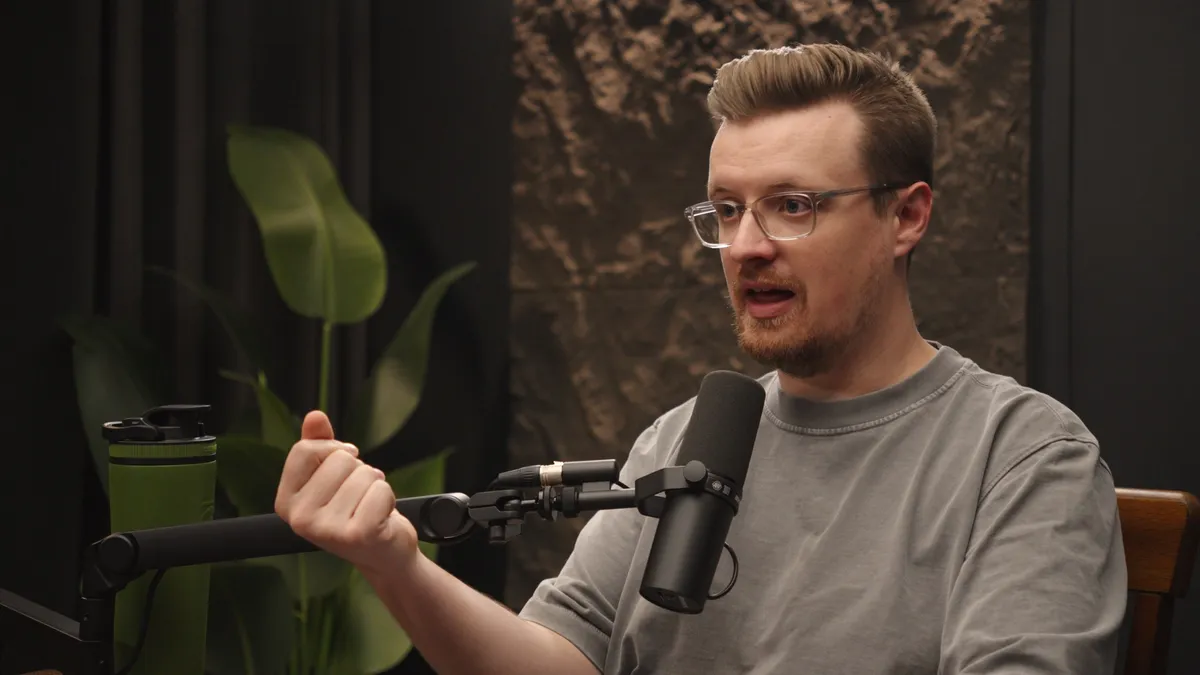
Don’t Want to UploadHuge Video Files?
Leave it to us. When your episode is finished, we post it to YouTube and Spotify for you, with the title, description and artwork ready to go. All you do is share the link.
- No giant downloads or uploads. Your files never have to touch your computer.
- Ready to be found. Titles, descriptions and thumbnails set before it goes live.
- On schedule. Published when you want it out.
Time you spend uploading: 0 minutes
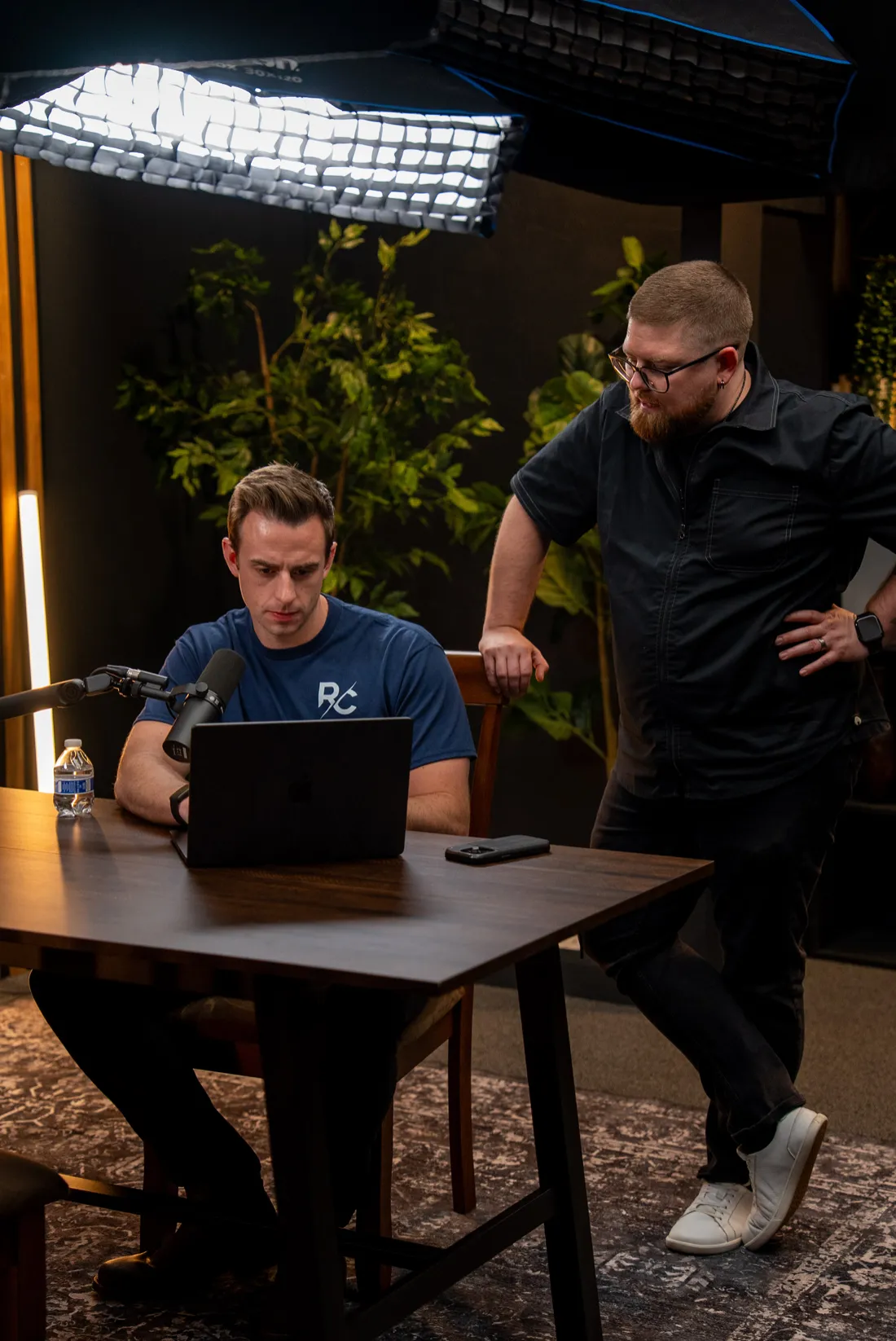 BEHIND
THE
SCENES
Not the Host Type?We’ve Got You.
Bring in one of our experienced interviewers to host your show. You tell us the questions and topics you want covered. They guide the conversation and keep it moving, so you and your guests can focus on sharing what you know.
You bring the questions
Send us what you want covered. Your interviewer works from your list and knows where you want it to go.
A natural conversation
A good host puts guests at ease and pulls out the best stories.
Built for clips
We steer toward the moments that make great shorts and quotes.
Pick Your Add-Ons.We’ll Handle the Rest.
Book a quick call and we’ll help you choose the add-ons that fit your show and your goals.