
Why Does My Webinar Feel Unprofessional? Fix the Real Causes
Why Does My Webinar Feel Unprofessional Even When the Content Is Good?
You spent weeks on the deck. The talking points are sharp, the data is solid, and the offer makes sense. Then the webinar runs and something still feels off — attendees drop early, the chat stays quiet, and the recording is hard to watch back. If that sounds familiar, the content usually isn't the problem.
Most "unprofessional" webinars fail on delivery, not substance. Inconsistent audio, harsh lighting, laggy screen shares, and a host who looks disconnected from the camera all read as amateur before a single slide has a chance to land. The fix is almost always a production problem, not a content rewrite.
The short version: A webinar usually feels unprofessional because of technical delivery, not the content itself. Inconsistent audio levels, webcam lighting, laggy screen shares, and a host who looks disengaged from poor framing all signal amateur hour before a single slide registers. Fixing the production layer, not rewriting the deck, is almost always the real fix.
It's Rarely the Content That's the Problem
Teams routinely spend weeks refining slides and scripts, then run the actual session on a laptop microphone and whatever webcam happened to ship with the computer. The content gets the investment. The delivery gets whatever is already sitting on the desk.
That mismatch shows immediately. Attendees form a professionalism judgment in the first 60 to 90 seconds of a webinar, well before the material has had a chance to land. If that first impression reads as thrown together, viewers quietly assume the company behind it is thrown together too — regardless of how good the deck actually is.
This is why a webinar production problem so often gets misdiagnosed as a content problem. Teams rewrite the script when the real issue was never the words — it was everything surrounding them. Before changing a single slide, it's worth booking a Discovery Call to find out whether the actual bottleneck is technical.
The Audio and Video Signals That Read as Amateur
A handful of specific, fixable issues are responsible for most of the "this feels off" reaction:
- Inconsistent mic levels. The host sounds clear, a guest sounds like they're calling from a hallway, and the volume jumps every time someone new speaks.
- Harsh or backlit lighting. Overhead office lighting or a bright window behind the presenter makes faces hard to read on camera, which subconsciously reads as low effort.
- Webcam resolution next to crisp slides. When polished, high-resolution slides cut to a grainy, compressed webcam feed, the contrast itself looks unprofessional even if neither element is bad on its own.
- Background noise and echo. Room echo, keyboard clatter, or a visibly cluttered home-office background all compete for attention the content should be getting.
None of these require new content. They require a setup — mics, lighting, and a quiet, treated room — built around the webinar instead of improvised around whatever hardware is already on hand.
Delivery and Platform Mistakes That Undercut Good Material
Beyond audio and video, a few delivery habits quietly erode the same professional impression:
- Fumbled screen shares. Sharing the wrong window, a laggy switch between slides and camera, or a visible scramble to find the right tab all break the flow attendees are trying to follow.
- Reading off slides instead of presenting to camera. It's a subtle shift, but it turns what should feel like a conversation into something closer to a narrated document.
- No visual hierarchy with multiple speakers. When a host and guest share a screen with no clear framing for who's talking, attendees spend energy figuring out where to look instead of listening.
- Dead air during transitions. Without someone managing the technical side in real time, pauses between segments stretch out and attendees start checking email.
Each of these is a production and workflow issue, not a messaging issue. They're also exactly what a dedicated webinar production setup is built to prevent.
What Changes When Production Is Handled for You
When a studio and a technical producer run the session instead of the presenter juggling everything solo, several things shift at once:
Lighting, framing, and audio get standardized before the first attendee logs in, so quality doesn't depend on who happens to be presenting that day. A technical producer manages screen shares, camera switching, and troubleshooting live, which frees the presenter to actually talk to the audience instead of babysitting software.
Multi-speaker webinars benefit the most. Every presenter gets properly mixed audio and clean camera framing, not just whoever is hosting. And because the session is captured cleanly on multiple cameras with clean audio, the recording becomes genuinely reusable afterward — easy to cut into short-form video clips, repurpose into a blog recap, or package as gated content. Teams building a full content engine around their webinars often pair this with course creation work, turning one well-produced session into a reusable asset instead of a one-time event.
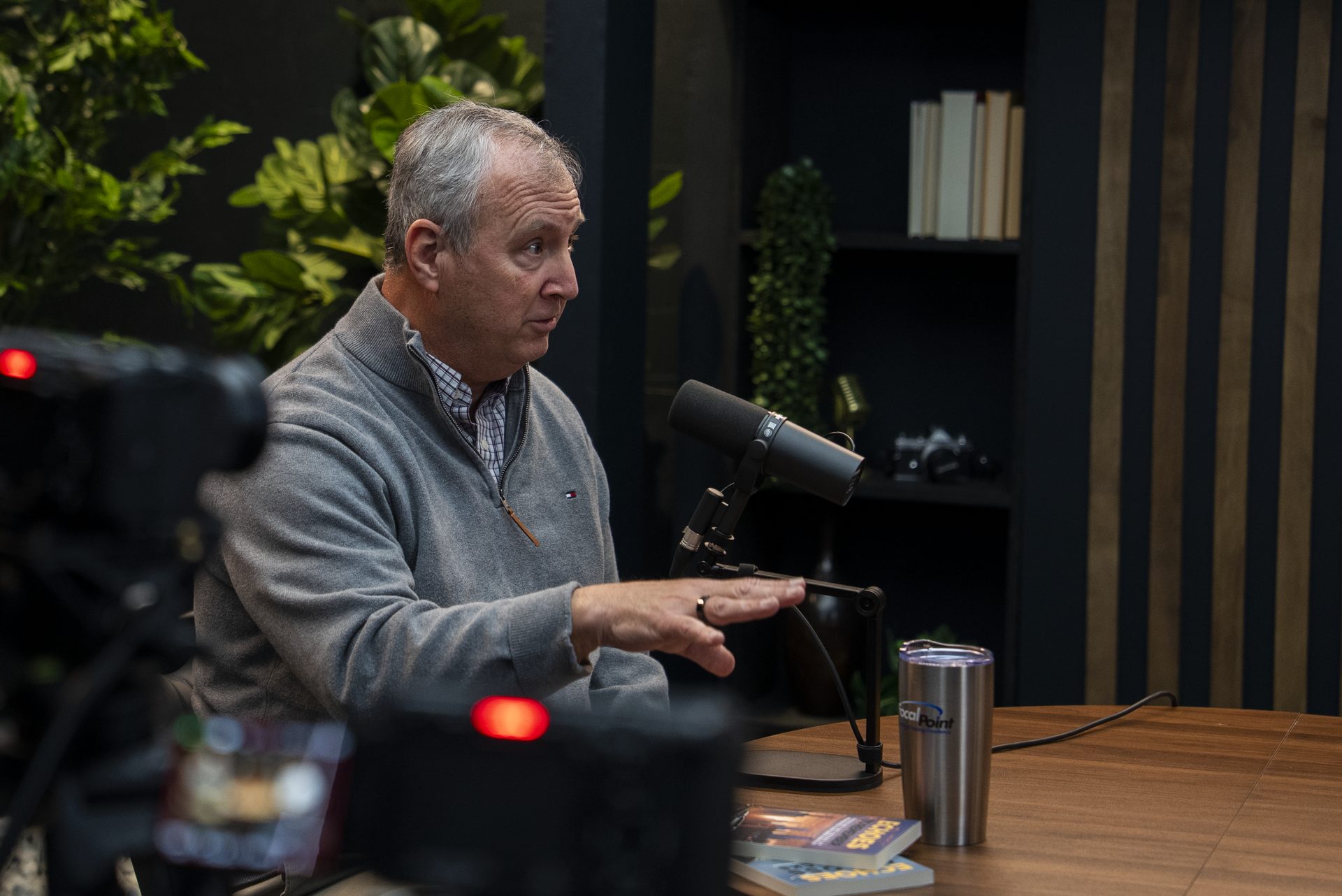
This is also where working from a dedicated video podcast studio or booking studio rentals pays off — the same infrastructure that makes a podcast look professional makes a webinar look professional, because the underlying problem is identical.
Common Mistakes to Fix Before Your Next Webinar
- Testing audio and video minutes before going live instead of running a real dry run with every presenter the day before.
- Letting the presenter manage slides, chat, and tech simultaneously — pick one role per person, or bring in a producer to run the technical side.
- Skipping a lighting setup because "it's just a webinar, not a video shoot." Attendees don't make that distinction.
- Not assigning anyone to watch for technical issues once the session starts, so problems run uncaught for minutes at a time.
If you're a B2B team in Cincinnati or Northern Kentucky running recurring webinars, this matters because your audience is comparing your sessions to every other polished video experience they consume daily, not just your direct competitors.
Not sure which of these is actually dragging your webinars down? A quick podcast idea research or consulting and strategy conversation can diagnose it before your next session, rather than guessing and re-recording.
Production quality isn't a nice-to-have detail — it's a measurable factor in whether people stay. ON24's Webinar Benchmarks report consistently finds that top-performing webinars retain far more of their audience through the full session than average ones, and delivery quality is part of what separates the two groups.
Frequently Asked Questions
Can good content save a poorly produced webinar?
Not reliably. Attendees judge professionalism from audio and video quality within the first minute, before the content has registered. Strong material still needs a production layer that doesn't distract from it.
What's the single biggest fix for a webinar that feels amateur?
Clean, consistent audio. Viewers tolerate average lighting more easily than they tolerate inconsistent or echoey sound, which is the fastest signal that a session is unprofessional.
Do I need a studio to make a webinar look professional?
Not always, but a controlled environment with proper lighting, mics, and a technical producer running the session removes the variables that most often cause problems, especially for recurring or high-stakes webinars.
How does production quality affect webinar attendance and engagement?
Industry benchmarking shows strong-performing webinars retain significantly more of their audience through the full session than average ones, and production quality is a consistent factor in which sessions keep people watching.
What should I prioritize first if I run webinars regularly on a tight budget?
Start with audio. A dedicated microphone and a quiet, treated recording space fix more perceived-professionalism problems than any camera or lighting upgrade.
Getting Your Webinars Out of the Amateur Zone
Good content deserves delivery that doesn't undercut it. If your webinars feel unprofessional despite solid material, the fix usually isn't another round of script edits — it's fixing audio, lighting, and live technical management so the content finally gets heard the way it was meant to.
Ready to see what that looks like for your team? Book a Discovery Call or reach out through our Contact page to talk through your next webinar before you record it. For more on how CPS approaches long-form content, check out the Cincinnati Business Podcast.