
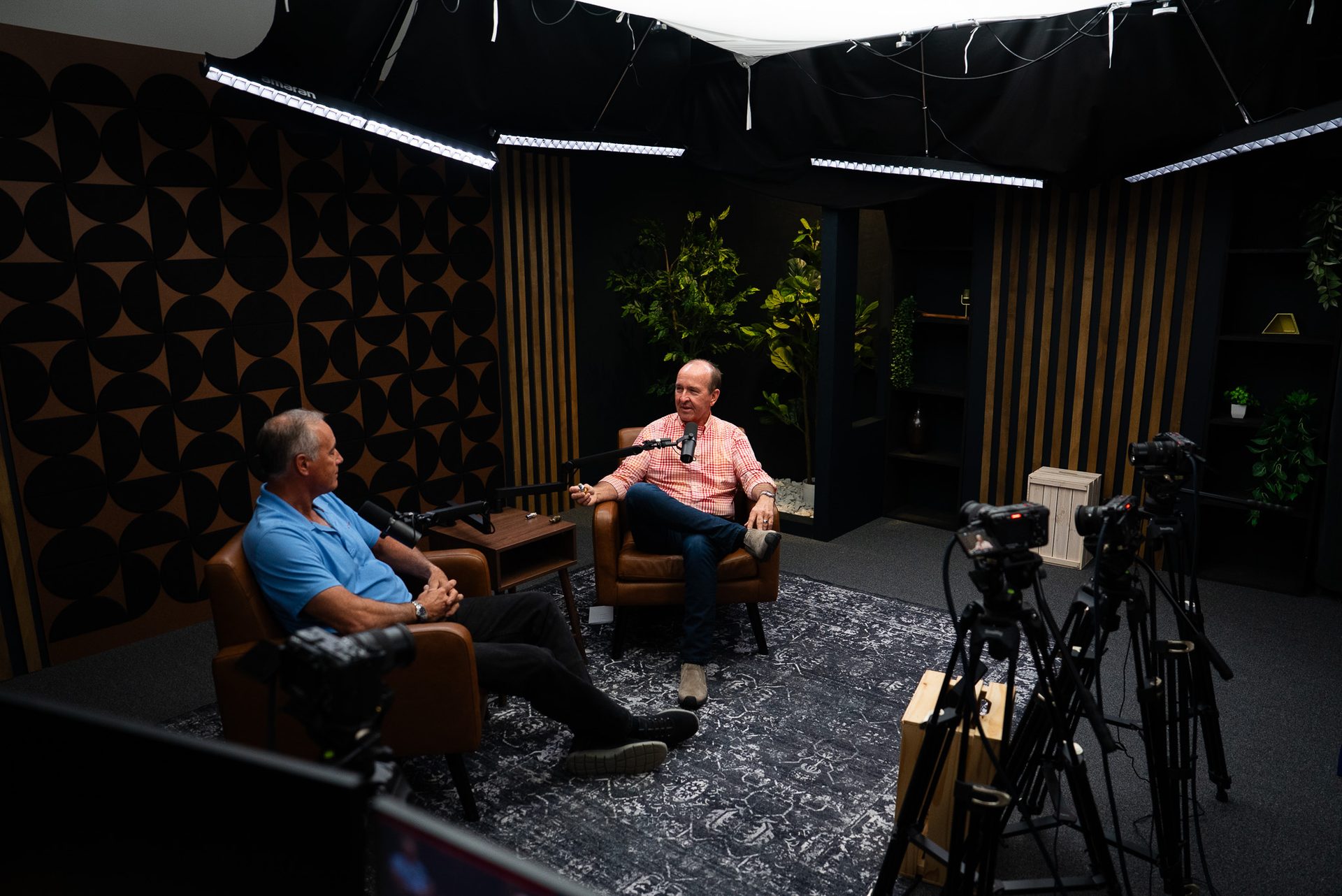
What a Webinar Production Team Actually Does During Recording
What Does a Webinar Production Team Actually Do During Recording?
Most businesses only see the finished webinar: a clean recording, smooth transitions, no dead air. What they don't see is everything happening off-camera to make that possible. A professional webinar production crew is running camera, audio, slides, and troubleshooting simultaneously, so the presenter never has to think about any of it.
If you've ever run a webinar solo and found yourself fumbling with screen-share while trying to answer a question, you already know why this matters. The gap between a DIY webinar and a produced one isn't the content; it's everything around the content.
In short: a production crew handles the technical layer in real time so you can focus entirely on what you're saying.
Quick Answer
A webinar production team handles everything happening off-screen so the presenter can focus on content: camera and lighting operation, multi-speaker audio mixing, slide and screen-share switching, live troubleshooting, and recording/streaming management. The goal is a polished, uninterrupted experience for both the presenter and the audience, without the presenter touching a single setting mid-session.
The Roles Running in the Background During a Webinar
A produced webinar typically has several roles working at once, even when they're combined into fewer people on simpler sessions:
- Camera operator — framing and switching shots between speakers and screen-share content
- Audio engineer — balancing mic levels across multiple speakers in real time so no one is too loud, too quiet, or cutting out
- Technical director — managing slide transitions, lower-thirds, and branded graphics as the session moves
- Producer — monitoring chat and Q&A so the presenter isn't splitting attention between talking and reading audience questions
Each role exists to remove one more thing from the presenter's plate. That's the entire point of bringing in a crew instead of running it solo.
Before the Recording Even Starts
The work starts well before anyone hits record. A production team typically runs:
- Equipment and mic checks for every speaker, including remote guests dialing in from elsewhere
- A full slide deck and screen-share run-through to confirm resolution and timing look right on stream
- Lighting and camera framing set individually per speaker
- A short tech rehearsal with all presenters to catch issues before the live session, not during it
This is also where a studio rental setup has an advantage over a home office: the lighting, acoustics, and camera positioning are already dialed in before anyone even connects a laptop.
What Happens the Moment You're Live
Once recording starts, the crew's job shifts to real-time management:
- Switching camera angles based on who's speaking, without the presenter noticing the transitions
- Mixing audio live so levels stay balanced across every mic, home setup, and remote connection
- Watching the stream and recording feed separately for drops, lag, or sync issues
- Handling screen-share handoffs between multiple presenters without dead air in between
This is the difference between a webinar vs. video podcast format in practice: a webinar often has more moving technical parts live, since it usually involves slides, screen-shares, and sometimes multiple remote presenters at once.
How a Production Team Catches Problems Before Your Audience Does
The real value of a crew shows up when something goes wrong, not when everything goes right. A trained team builds in:
- Backup audio and recording paths running simultaneously, so one failure doesn't lose the session
- A producer watching stream health on a separate screen from what the presenter sees
- A pre-set contingency plan for a dropped remote guest or audio failure
- Buffer time built into the schedule to absorb late starts or small technical hiccups
According to Zoom's 2026 webinar statistics report, average live attendance and conversion rates hinge heavily on a smooth, professional viewing experience, which is exactly what these backup systems protect.
Common Mistakes Businesses Make Without a Production Team
Most DIY webinar problems trace back to the same handful of issues:
- One person trying to present and manage tech at the same time
- Skipping rehearsal, so problems surface live in front of the audience instead of beforehand
- Inconsistent audio quality across different home setups and laptops
- No backup plan for when a remote speaker's connection drops mid-session
None of these are content problems. They're production gaps, and they're the first thing a produced session fixes.
What This Looks Like at a Professional Studio
At a dedicated studio, the production layer is already built into the session:
- Studio-grade cameras, lighting, and audio dialed in before you arrive
- A trained crew handling every technical role, so you only manage your content
- Built-in support for multiple speakers and remote guests without extra setup on your end
- A clean recording you can also repurpose into short-form clips or turn into a full course afterward
If you're a B2B team in Cincinnati or Northern Kentucky running webinars without a dedicated crew, this matters because your audience notices the difference between a scrappy screen-share and a produced session, even if they can't name exactly why.
It also pairs well with a broader content strategy consulting approach if you're trying to figure out how webinars fit alongside podcasting or short-form video in your overall content mix. For more examples of how produced content builds trust over time, check out the Cincinnati Business Podcast.
FAQs
Do I need a production team for a small internal webinar?
Even small internal webinars benefit from someone managing audio and tech separately from the presenter. It reduces dead air, awkward pauses, and missed questions, and it frees the presenter to focus entirely on the content.
What happens if a remote speaker's internet drops during the recording?
A production team has a contingency plan: backup dial-in options, a short pause while reconnecting, and buffer time built into the schedule so one technical hiccup doesn't derail the whole session.
Can one person run camera, audio, and slides at the same time?
It's possible for a very simple session, but quality drops fast once you add multiple speakers, screen-shares, or Q&A. A dedicated crew keeps each role focused instead of split across one overloaded person.
How many people are typically on a webinar production crew?
It depends on complexity, but a typical professional setup includes a camera operator, an audio engineer, and a technical director or producer managing slides and troubleshooting, sometimes combined into fewer roles for simpler sessions.
Does a production team record and livestream at the same time?
Yes. A well-run setup records locally for a clean, high-quality file while simultaneously managing the live stream, so you get both a polished recording to repurpose and a smooth live experience for attendees.
Ready to Run a Produced Webinar?
If you're tired of juggling tech and content at the same time, it's worth handing the production side to a team that does it daily. Contact our team to talk through your next session, or schedule a Discovery Call to see how a produced webinar compares to running it solo.