
How Long Should a Webinar Be? The Practical Answer
How Long Should a Webinar Be?
Most webinars run longer than they should. The host has a lot to say, the Q&A goes sideways, and what was planned as a tight 45-minute session stretches to 80. Audience attention fades well before the end — and the replay almost never gets watched in full.
The good news: webinar length has a clear answer for each format. The challenge is that most teams plan for content volume first and audience patience second. This article flips that.
If you're planning a professional webinar recording for a B2B audience, here's the framework that keeps sessions tight and engagement high.
The Short Answer: Match Length to Format
Most webinars should run 45–60 minutes: 30–40 minutes of content and 15–20 minutes of Q&A. Training webinars can go 60–90 minutes if modules are well-paced. Short-form webinars (20–30 minutes) work when the audience is busy executives or the topic is highly focused. The right length depends on your format, your audience's tolerance, and how much value you can actually deliver per minute.
That's the answer most people need. The rest of this article explains why it works and how to apply it to your specific situation.
Webinar Length by Format Type
Different webinar formats have different audience expectations. Here's how length maps to format:
- Thought leadership / expert presentation: 40–50 minutes. One clear thesis, structured argument, practical takeaways. Keep Q&A tight.
- Panel or fireside chat: 45–60 minutes. Multiple perspectives take time to develop — but add a moderator and enforce the agenda or it drifts.
- Training or how-to webinar: 60–90 minutes. Audiences in a learning mindset tolerate more time. Break content into 15-minute modules and build in checkpoints.
- Product demo or sales webinar: 30–45 minutes. These audiences are evaluating, not learning. Respect their time and get to the point fast.
- Q&A-only or office hours session: 30–45 minutes. Pure audience interaction. Quality of questions matters more than session length.
- Executive briefing: Under 45 minutes, always. Senior audiences expect efficiency. If you can't make the case in 30 minutes, you haven't prepared enough.
When in doubt, run shorter. You can always take more questions. You can't take back time you've already consumed.
What Actually Drives Drop-Off (It's Not Just Length)
Length gets blamed for audience drop-off, but it's rarely the primary cause. The real culprits:
Poor audio and video quality
This is the fastest exit trigger. When the presenter's audio cuts in and out, the background is distracting, or the lighting makes the speaker look like they're recording from a hotel closet, viewers make a quick quality judgment — and leave. Production value signals whether the content is worth their time before a single idea is communicated.
No clear agenda up front
If attendees don't know what they're getting and when they're getting it, they'll leave early or multitask throughout. Announce the structure in the first two minutes: "We'll cover X and Y, then take questions at the end." That's it. Simple, but almost nobody does it well.
A slow first five minutes
The opening of a webinar sets retention for the entire session. If you spend the first five minutes on housekeeping, thanking sponsors, and waiting for more people to join, you've already lost a portion of your audience. Start with the most valuable thing you're going to say — then earn the rest of their attention.
No interaction
Passive, one-way delivery kills engagement at any length. A 30-minute lecture feels longer than a 60-minute session with polls, questions, and dialogue. Build interaction into the structure, not just the Q&A block at the end.
How to Structure Your Content to Fill the Time Well
The goal isn't to fill a time slot — it's to deliver the promised value and stop. Here's how to build a session that earns every minute:
Open with the payoff promise
State exactly what attendees will leave with. Not "today we're going to talk about webinar strategy" — but "by the end of this session, you'll have a three-step framework you can use to plan your next webinar." Specific outcomes keep people in the room.
Keep each content block to 10–12 minutes
Cognitive attention resets roughly every 10 minutes. Structure your content into distinct blocks, each with its own mini-payoff. A 60-minute session should have four to five clearly separated ideas — not one long thread that keeps building for an hour.
Use Q&A to extend engagement, not pad runtime
Q&A is not a safety net for running short. It's the highest-engagement part of a webinar. If you're getting good questions, let it run. If questions dry up at 10 minutes, end the session. Audience interaction driven by real curiosity is worth more than filling a time slot with prepared filler.
End with a clear next step
Most webinars end with some version of "thanks for joining, the recording will be sent." That's a missed conversion. Close with one specific action: book a call, download the resource, register for the next session. Give people somewhere to go while the content is still fresh.
Recording Quality and Engagement Go Together
Webinar length is a structural decision. Production quality is a trust decision. And trust affects retention more than any agenda tweak.
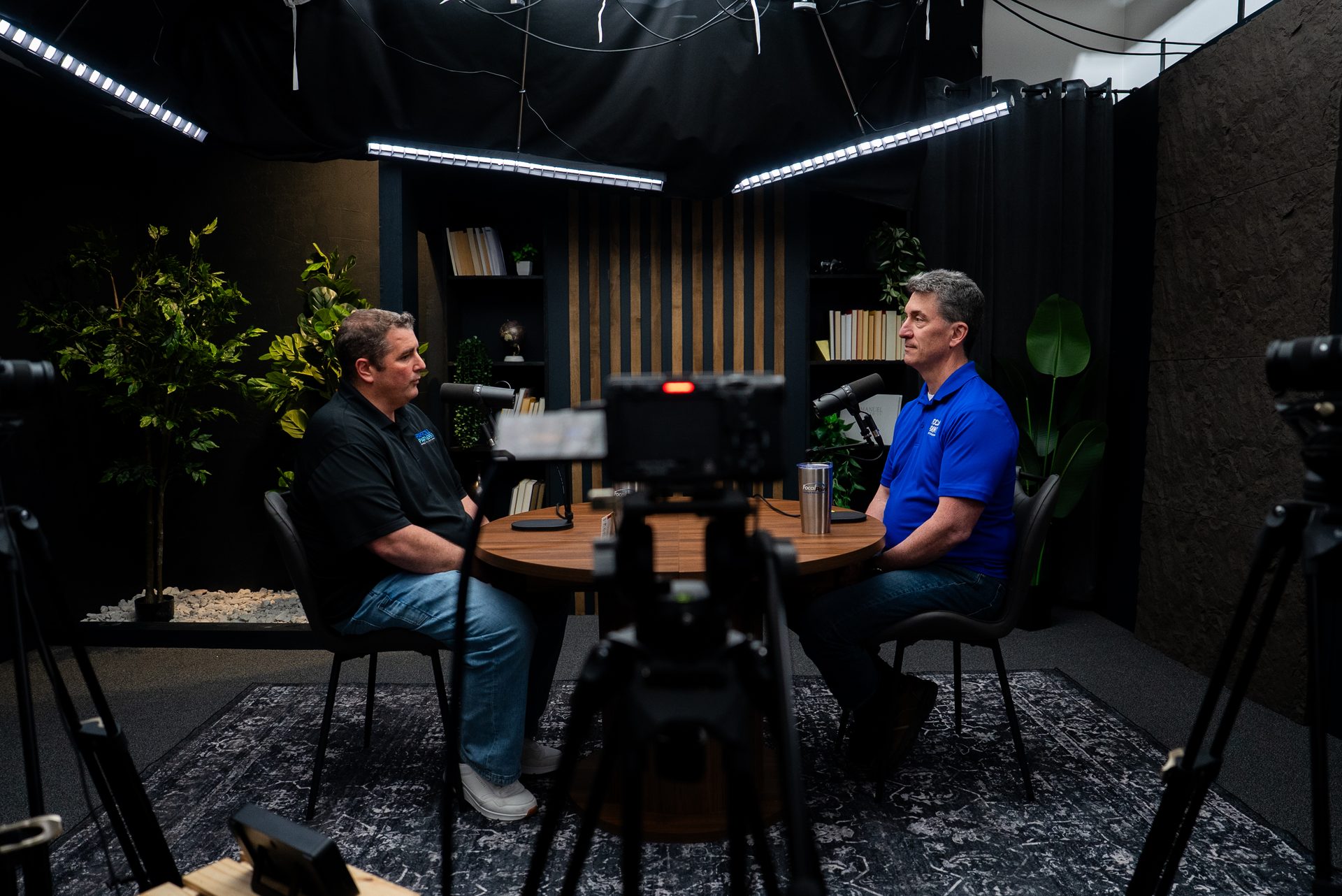
Here's what a webinar studio in Cincinnati actually changes: when the audio is clean, the lighting is professional, and the speaker looks like they know what they're doing before they say a word — audiences stay longer. They take more notes. They share the replay. They come back for the next one.
For teams that run webinars regularly — quarterly thought leadership sessions, monthly training content, ongoing sales demos — the ROI of recording in a professional environment compounds over time. Each session looks better, gets shared more, and builds more trust than a well-meaning Zoom recording from a home office.
If you're producing multiple webinar episodes, consider batch recording. At Cincinnati Podcast Studio, B2B teams regularly record two to four sessions in a single day — course creation recording sessions, panel discussions, training modules — then hand off the footage for editing and distribution. It's a more efficient model than scheduling one session at a time.
Multi-speaker webinars benefit most from a studio environment. When each presenter has their own dedicated microphone, proper camera framing, and consistent lighting, the production quality gap between "looks like a professional broadcast" and "sounds like a conference call" becomes immediately obvious. We've produced panel webinars with up to four speakers at CPS — and the output is significantly more reusable than what most teams record remotely.
If you're in Greater Cincinnati or NKY and want to see what a professional webinar recording environment actually looks like, a Discovery Call is the place to start. We'll walk through your format, audience, and content goals before recommending anything.
FAQ
What is the ideal length for a webinar?
For most formats, 45–60 minutes is the sweet spot — 30–40 minutes of content with 15–20 minutes of Q&A. Training webinars can run 60–90 minutes if content is well-paced. Executive-focused webinars should stay under 45 minutes.
Do shorter webinars get more engagement?
Not automatically. Engagement is driven by audio/video quality, a clear agenda, a strong opening, and interaction opportunities — not just length. A 25-minute webinar with poor production can lose audiences faster than a well-structured 60-minute session.
How long is too long for a webinar?
Anything over 90 minutes is risky without built-in module breaks. If you're going longer, use breakout discussions, polls, or segment resets every 20–25 minutes to maintain attention.
Should I include Q&A in my webinar?
Yes. Q&A is the highest-engagement portion of most webinars. Build it in as a separate time block — don't just tack it on if time allows. Reserve at least 15 minutes.
Can I record a webinar at a professional studio?
Yes. A professional studio setup — with broadcast-quality audio, proper lighting, and multi-camera options — dramatically improves perceived production value, which directly affects how long viewers stay engaged. Businesses in Cincinnati and NKY use our webinar studio to record full sessions and repurpose them into short-form video clips and course modules.
Does webinar length affect SEO or replays?
For recorded replays, shorter is often better — most on-demand viewers won't sit through a 90-minute session unless they're in a training context. Clip out the best 5–10 minute segments for distribution; the full recording can stay gated or on your LMS.
Most webinar length problems are really structure problems, and most structure problems are production problems in disguise. Get those right and the length question largely takes care of itself.
If you're planning a webinar series and want to think through format, length, and production approach — the Cincinnati Business Podcast is a good example of how we think about long-form recorded content. And if you're ready to talk through your own project, book a Discovery Call. We'll help you figure out what kind of session you actually need before you commit to recording anything.