
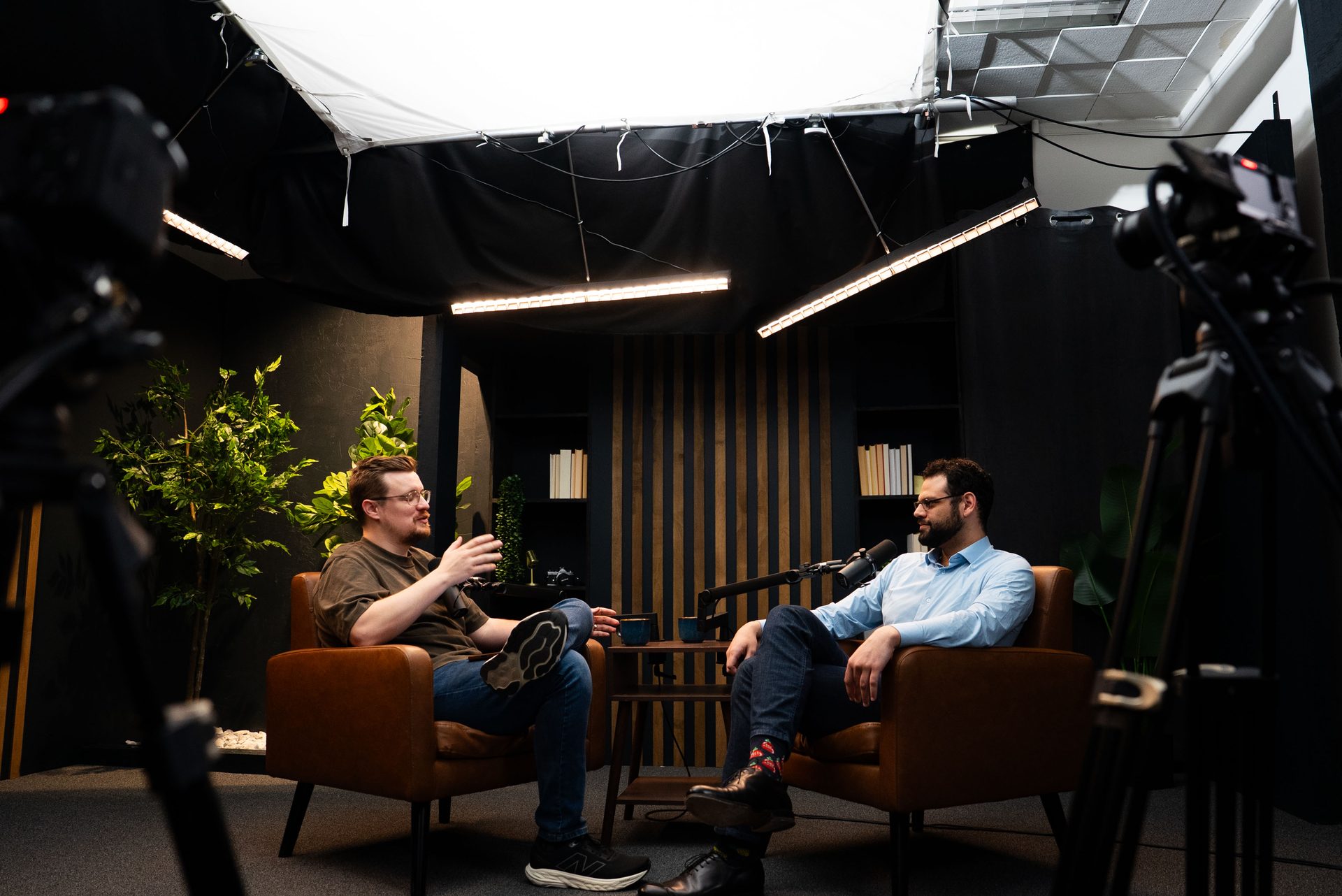
Business Video Clips: How They Work for B2B Growth
Business Video Clips: How They Work and Why B2B Teams Are Betting On Them
Short-form video has moved from a social media experiment to a core B2B marketing channel — and business video clips are the engine behind it. If your organization produces any long-form content (podcasts, webinars, interviews, panel discussions), you're sitting on clip inventory you probably aren't using yet. Here's how it works, what drives results, and how to build a system that doesn't require a full-time video team.
Business video clips let B2B teams stay visible between major content releases, reach audiences who won't watch a full-length episode, and build the kind of repeated exposure that turns strangers into familiar faces before the first sales conversation.
Quick Answer
Business video clips are short segments (60–120 seconds) extracted from longer video content — podcasts, webinars, interviews — and published natively on platforms like LinkedIn, YouTube Shorts, or Instagram. They work by surfacing your expertise in a scroll-stopping format, building audience familiarity over time. One well-run studio session typically yields 10–20 usable clips, giving B2B teams weeks of social content from a single recording day.
What Business Video Clips Actually Are
Business video clips aren't standalone productions. They're segments pulled from longer content — a 45-minute video podcast episode, a 90-minute webinar, a recorded client Q&A. The clip itself runs anywhere from 30 seconds to two minutes. It captures one complete idea: an insight, a reframe, a counterintuitive take, a clear answer to a question your audience is already asking.
The mechanics are straightforward: record long-form content, identify the strongest moments during transcript review, extract and format those segments with captions and any platform-specific framing, then publish them natively across channels. The long-form content does the deep work. The clips handle distribution — surfacing your expertise where your audience actually scrolls.
This is why short-form video production has become a standard add-on for organizations that run a video podcast or produce webinar content. The clip workflow runs on top of content you're already making — it doesn't require a separate creative investment.
Why Clips Work Differently Than Long-Form Content
Long-form content builds depth. Clips build frequency. Both matter for B2B buyer trust, but they do different jobs.
A 45-minute podcast episode earns deep engagement from the audience members who commit to it. A 90-second clip reaches the much larger group of potential buyers who won't — not because they're uninterested, but because they're busy and their feed is crowded. Clips meet those people where they are. Over time, consistent clip publishing creates a familiarity effect: by the time a prospect enters a buying conversation, they've seen your face and heard your thinking dozens of times without ever sitting through a full episode.
Platform algorithms reinforce this dynamic. LinkedIn, YouTube, and Instagram all prioritize native short-form video in their feeds. A link to a full podcast episode competes at a disadvantage. A native video clip uploaded directly to the platform gets dramatically better organic reach — the platform wants to keep users on-platform, and native content helps it do that.
The practical result: a B2B team that publishes 3–4 clips per week stays visible to its target audience continuously, even during weeks when no new long-form content drops. Consistency compounds. One-off bursts don't.
The Six Clip Types That Drive B2B Results
Not every moment from a podcast or webinar makes a strong clip. The segments that perform tend to fall into recognizable patterns:
- The authority moment. A clear, confident statement of expertise that positions you as someone who knows this topic deeply. No hedging — just a direct take. These perform well on LinkedIn because they attract both agreement and pushback, both of which drive engagement.
- The counterintuitive take. A reframe that contradicts a common assumption. Stops the scroll because it creates cognitive friction — the viewer has to find out if you're right.
- The actionable tip. One specific thing the viewer can do today. These get saved and reshared because they have standalone utility. Keep it to one action; more than that and the clip loses focus.
- The story beat. A short narrative — a client situation, a real example, a behind-the-scenes moment. Stories outperform abstract advice because they're memorable and emotionally specific.
- The relatable mistake. A common error your audience is likely making right now, named plainly. These drive comments from people who recognize themselves.
- The clear answer. A direct response to a question your audience is actually Googling. These work especially well on YouTube Shorts where search-driven discovery is part of the platform mechanic.
When planning a recording session, knowing these six types helps you and your guests have conversations that generate clip-ready moments — not just long-form discussion that doesn't break into segments naturally. At Cincinnati Podcast Studio, this is part of how we help clients think about consulting and content strategy before they step in front of the camera.
Where Business Video Clips Perform Best
Not all platforms are equal for B2B clip distribution. The right mix depends on your audience and your goals, but here's how the major channels break down:
LinkedIn is the primary channel for most B2B teams. Decision-makers spend time there. Native video gets preferential feed placement. And the comment culture on LinkedIn tends to attract professional responses — questions, pushback, referrals — that extend the reach of a clip well beyond your existing followers. Clips in the 60–90 second range tend to outperform both very short (under 30 seconds) and longer (over 2 minutes) content on the platform.
YouTube Shorts adds a search-discovery layer that LinkedIn doesn't offer. Clips uploaded as Shorts get indexed and can surface in search results for months or years after posting. For B2B teams targeting specific topic queries, consistent Shorts publishing builds compounding authority over time — a clip answering "how to prepare for a podcast interview" can continue driving views long after it was originally published.
Instagram Reels reaches a secondary audience that includes adjacent decision-makers, referral partners, and talent — people who may not be in active buying mode but who influence buying conversations. For B2B organizations, Instagram often functions as a brand-awareness channel rather than a direct pipeline driver.
Email and proposals are underused channels for B2B clips. Embedding a short video in a follow-up email or a proposal document adds a dimension that plain text can't deliver. A 90-second clip of your team explaining your process is more persuasive than a paragraph saying the same thing.
For teams in Greater Cincinnati and Northern Kentucky, the Cincinnati Business Podcast model shows this in practice — long-form conversations generate the clip library that fuels visibility across channels week after week. The Cincinnati Business Podcast is a working example of how the content multiplication model plays out over time.
How to Build a Clip Production System That Scales
The trap most B2B teams fall into is treating clip production as a manual, one-at-a-time effort. Someone watches the full episode, identifies a moment, clips it by hand, captions it, resizes it for each platform, and posts. That works for one clip. It doesn't scale to 15 clips per episode across three platforms.
A system that scales looks different:
- Batch recording first. The most efficient clip production starts with a batch recording session — recording multiple episodes or multiple content formats in a single studio day. One full day at CPS typically produces 2–4 complete episodes, each yielding 10–20 clips. That's 30–80 clips from a single day of work.
- Transcript-based clip identification. Rather than watching footage, the production team reviews the transcript for clip-candidate moments and timestamps them. This is faster and more systematic than watch-and-review.
- Standard format templates. Each platform has a preferred clip length, aspect ratio, and caption style. Pre-building templates means every clip outputs in the right format without custom work per clip.
- A consistent publish cadence. Three to four clips per week, published on a predictable schedule, outperforms irregular bursts. Platform algorithms reward consistency, and your audience begins to expect — and look for — your content.
At CPS, we handle extraction, captioning, formatting, and delivery as part of our short-form video production workflow. You record; we produce the clip library. If you're building the infrastructure in-house, reach out to our team to talk through what a production system looks like at your volume.
Common Mistakes B2B Teams Make With Video Clips
Teams that struggle with video clips usually run into one of these problems:
- Publishing without captions. Eighty-five percent of social video is watched without sound. Clips without captions lose the majority of their potential audience before the first sentence is finished.
- Forcing long-form structure into a short clip. A clip that starts with "So earlier we were talking about..." assumes context the viewer doesn't have. Every clip should open with a hook that works for someone seeing it cold.
- Burst-and-disappear posting. Publishing 20 clips in a week and then going dark for a month resets the algorithm favorability you've built. Consistent cadence outperforms volume spikes.
- Skipping the hook. The first 2–3 seconds determine whether someone stops scrolling. A clip that opens with a generic intro, a title card, or a logo animation loses viewers before the content starts. Lead with the insight.
- Recording content that doesn't clip well. Some conversations are rich in long-form value but produce few standalone moments. Recording with clips in mind — asking questions that generate direct, self-contained answers — changes what you get in the edit.
If you're a B2B team in Cincinnati or Northern Kentucky and your content isn't translating into consistent clip output, the issue is usually upstream — in how the recording session is structured, not in the editing workflow. That's a solvable problem. Schedule a Discovery Call and we'll walk through what a clip-optimized session looks like for your format.
Frequently Asked Questions
How long should a business video clip be?
Most business video clips perform best at 60–90 seconds on LinkedIn and Instagram, and 30–60 seconds on YouTube Shorts. The key is that the clip contains one complete, valuable idea — not a teaser or a fragment. If you need more than 90 seconds to make the point, split it into two clips.
How many clips can you get from one podcast episode?
A well-produced one-hour podcast episode typically yields 10–20 usable clips depending on how content-dense the conversation is. CPS sessions are structured to maximize clip output — most clients leave with 15+ per episode.
Do video clips need captions?
Yes. Studies consistently show 85% of social video is watched without sound in public or workplace settings. Captions aren't optional for B2B video — they're the difference between being watched and being scrolled past.
What makes a business video clip perform well?
A strong hook in the first 2–3 seconds, a single clear idea, native upload (not a link), captions, and a close that lands without requiring the viewer to take action. The best clips feel complete, not promotional.
Can I use video clips without a full podcast?
Yes. Standalone talking-head clips, short how-to segments, or recorded Q&As all perform well. However, the most efficient model is producing clips as a byproduct of longer-form content — you get 15x the output for roughly the same production effort.
Where do B2B video clips perform best?
LinkedIn is the top channel for B2B decision-maker reach. YouTube Shorts build search-discoverable authority over time. Instagram Reels reach adjacent audiences. Many teams also embed clips in email campaigns or proposals as social proof.
Start Building Your Clip Library
Business video clips aren't a separate content strategy — they're the distribution layer on top of content you should already be creating. One recording session, structured correctly, produces enough clip inventory to sustain weeks of consistent social publishing across every channel where your buyers spend time.
If you're ready to build a clip production system that runs without friction, schedule a Discovery Call with the CPS team. We'll talk through your format, your audience, and what a realistic output model looks like. Or explore our short-form video services to see what the production workflow includes, and contact the team with any questions.